Handy
The official link, read before the post: we haven't tested it ourselves.
- Check the MIT license in the repo and that it matches what the README says.
- Read what the install adds to your computer and which permissions it asks for, such as microphone and accessibility.
- Confirm in the README that transcription runs offline, and check which speech models it downloads and how big they are.
- Try it on your own voice and language before you rely on it.
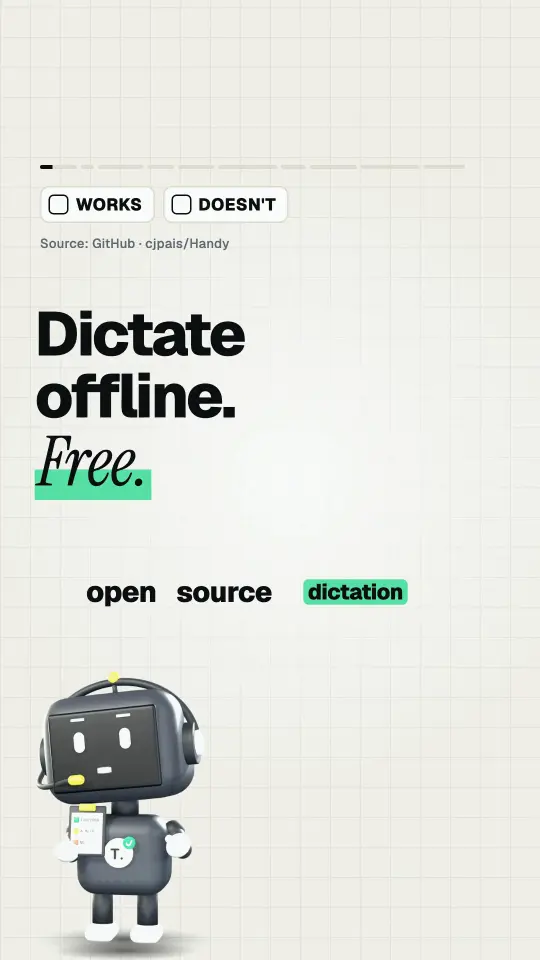
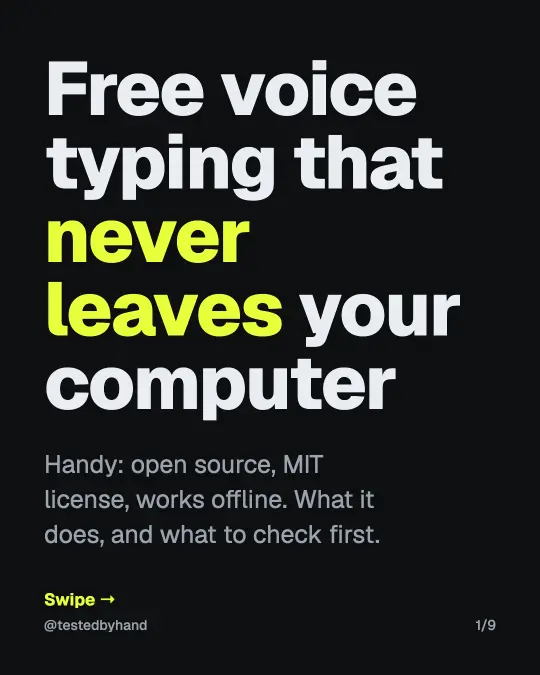
What we saw: Free voice typing that runs on your own computer. Handy is open source (MIT license): hold a shortcut, speak, and the text lands in whatever app you're using. The README says no audio goes to the cloud. We haven't tested it yet. Here's what it says it does, and what to check before you install it. Source: github.com/cjpais/Handy (README, Nov 11, 2026)
Under the Nov 15, 2026 post, comment HANDY and we’ll DM it to you too (followers only).